

 Save 10% off your first LabelValue order |
 Tips On Using Amazon Barcodes On Labels
- Oct 3, 2022
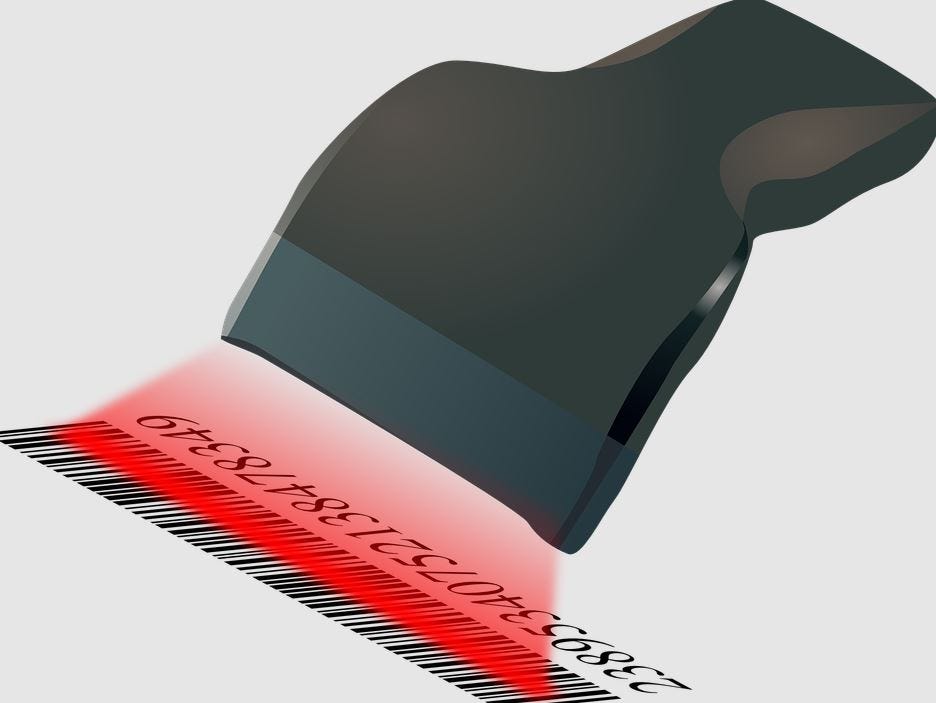
Are you searching for Amazon FBA labels? If you participate in Amazon FBA you will need Amazon FBA labels. Labelvalue is your Amazon FBA label printer. Amazon can be a great way to gain new customers, and is also great for more sales because it has a large audience.

If you decide to sell on Amazon you will need Amazon barcode labels. What is a barcode? Barcodes are images represented as a combination of white space, and black bars.
According to Britannica, a Barcode is a printed series of parallel bars or lines of varying width that is used for entering data into a computer system. The bars are typically black on a white background, and their width and quantity vary according to application. The bars are used to represent the binary digits 0 and 1, sequences of which in turn can represent numbers from 0 to 9 and be processed by a digital computer. Custom-printed stickers and barcodes keep your company organized.
Amazon Barcodes
Amazon barcodes are designed specifically for Amazon.com. These labels can be used as part of the Amazon Transparency program that helps prevent counterfeit products from being sold on Amazon.
Check out this video below that will review many tips for using Amazon barcodes.
Types of Barcodes Amazon FBA Allows
Fulfillment by Amazon (FBA) uses barcodes to identify inventory. Each item you send to an Amazon fulfillment center needs a barcode. Below are two different types of barcodes Amazon sellers can use.
- -Manufacturer barcodes (GCID, UPC, EAN, JAN, or ISBN)
- -Amazon Barcode Labels (ASIN or FNSKU)
Please remember Amazon barcodes can only be used on Amazon. Each item you send into an amazon fulfillment center will need an Amazon FBA prduct label barcode. You can trust LabelValue as your Amazon FBA label printer. LabelValue can print your Amazon product labels for a fraction of the price.
Amazon sellers can print product labels from the "Manage Inventory" page when creating a shipment. Next click 'Print Item labels' from the actions selected items. Amazon product labels can be printed on sheeted labels at home with your desktop printer, or in larger wholesale volumes on rolls.
Contact us today for a quote on Amazon product labels in wholesale volumes. We can print them at a fraction of the cost that Amazon charges.
UPC Barcodes
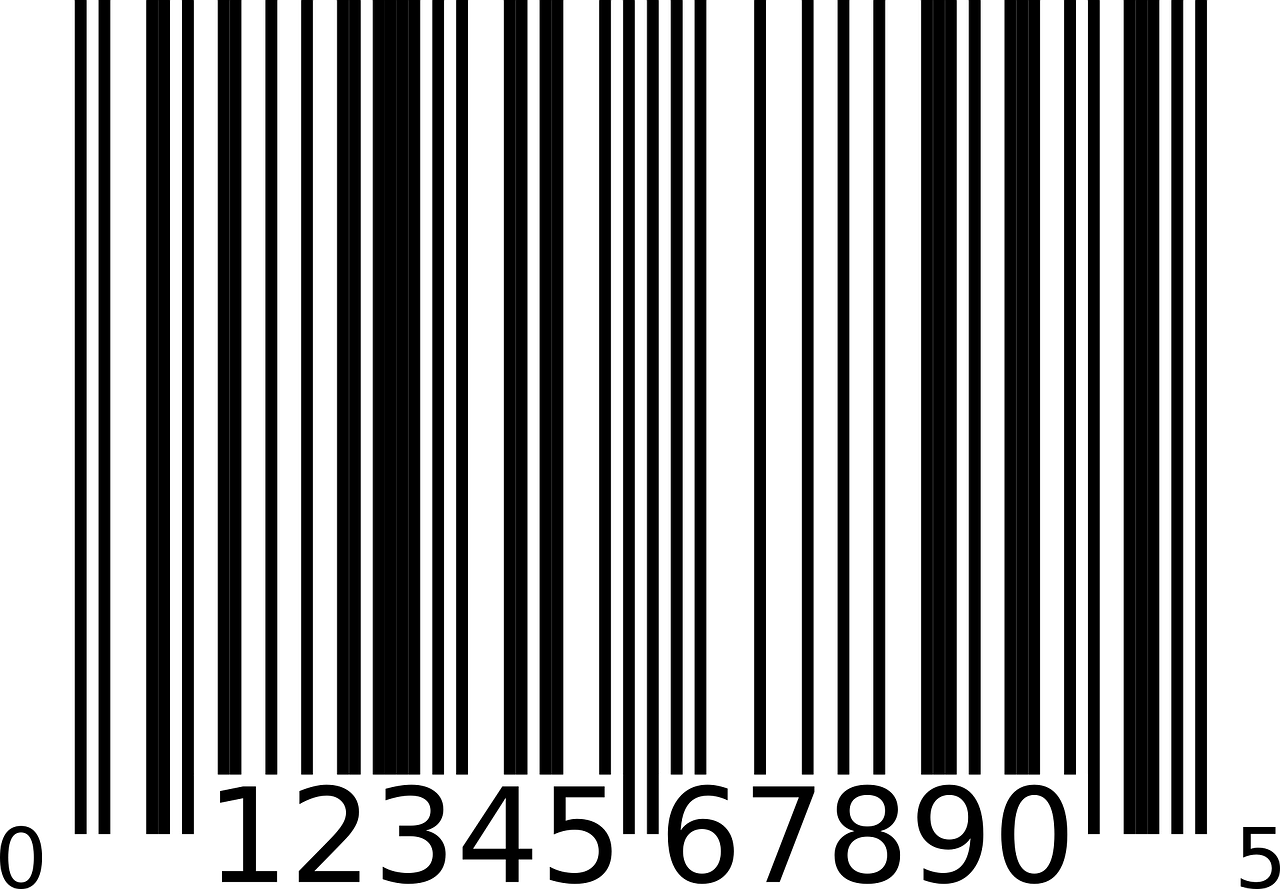
If you are selling your product in other stores you will need your own barcode. The UPC barcode is the most common barcode used today.
The product name and condition must be on the label. Your product must be new and have a scannable amazon barcode. No expiration dates can be on the amazon label. And it cannot be a consumable product such as food, cream, shampoo, or cosmetic.
What Is An Amazon ASIN Nuber?
It is a 10 digital alphanumeric number that identifies each unique product.

ASIN is Amazon's proprietary system for creating and selling products. Each product on Amazon must have an ASIN with the exception of books.
Barcode Labels

Do you need Amazon barcode labels printed? We can print it! Just send us your Amazon barcodes and we will print them on the labels for you. Get your Amazon ASIN printed on labels today. Make it easy to scan and track your product with ASIN labels.
Buy Amazon Labels for Your Amazon Products